
To customise the Channel:
- Click on the "Settings" icon at the top right corner
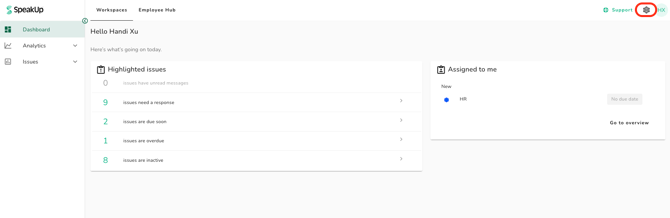
- Go to “Access” on the menu and click on “Channels”
- Click into the relevant Channel for disclosure submissions
- Under "Customisation", you will see the area you can customise:
Channel Description (Optional): For if you want to clarify what the SpeakUp channel does or who it's for.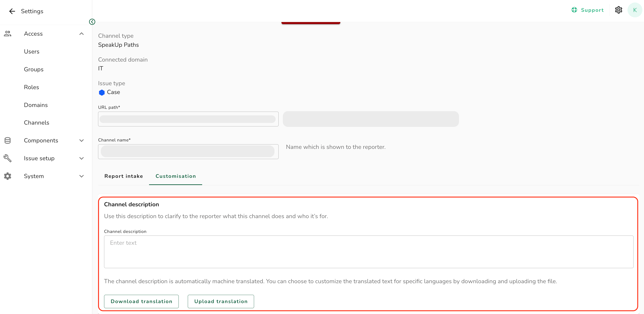
- This description appears in the Employee Hub and helps guide your employees.
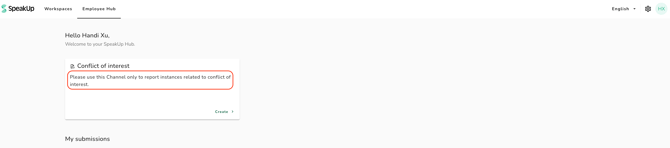
The Channel description is automatically translated by machine. However, only human languages must be manually added using the Excel file.